Premise
In this post, I’ll create a new web part in modern SharePoint Online site using PnP PowerShell.
Read More »
In this post, I’ll create a new web part in modern SharePoint Online site using PnP PowerShell.
Read More »
We had this requirement where we needed to create ~100 (parent/child)
QuickLaunch links pointing to a single modern SharePoint list. These links will be filtered view on the same list based on the selection. We knew, that in modern SharePoint, instead of creating 100 different views, we can simply filter a list using specified query string parameters. The issue in hand were, how to:

In this post I’ll demonstrate how to select the current logged in user, by default, in Microsoft PowerApps.

In this post, I’ll demonstrate how to run any SharePoint REST API directly from MS Flow. MS FLow already provides lots of action cards OOTB. For ex, create a list, delete a list, etc. However, it doesn’t contain action cards for, let’s say, every possible operation within SharePoint. Microsoft has intentionally provided, only the commonly used actions to MS Flow. This also makes sense because, one of the key attribute of MS Flow lies in its simplicity and how, even a business user can perform simple tasks on their own. Rather than having the users lost in a plethora of choices, they are presenting them with only a list of commonly used tasks. For everything else, there’s REST API.
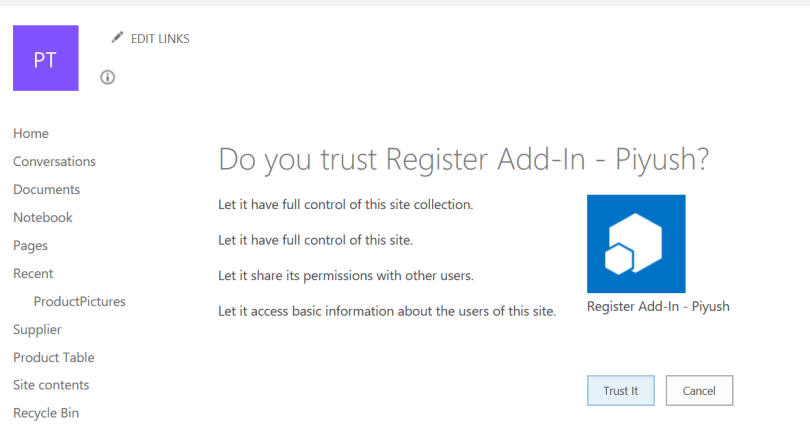
In this post, I’ll demonstrate, how to register a SharePoint add-in(app) using the AppRegNew form and grant the required permissions.
 Piyush K Singh